
Executive Summary
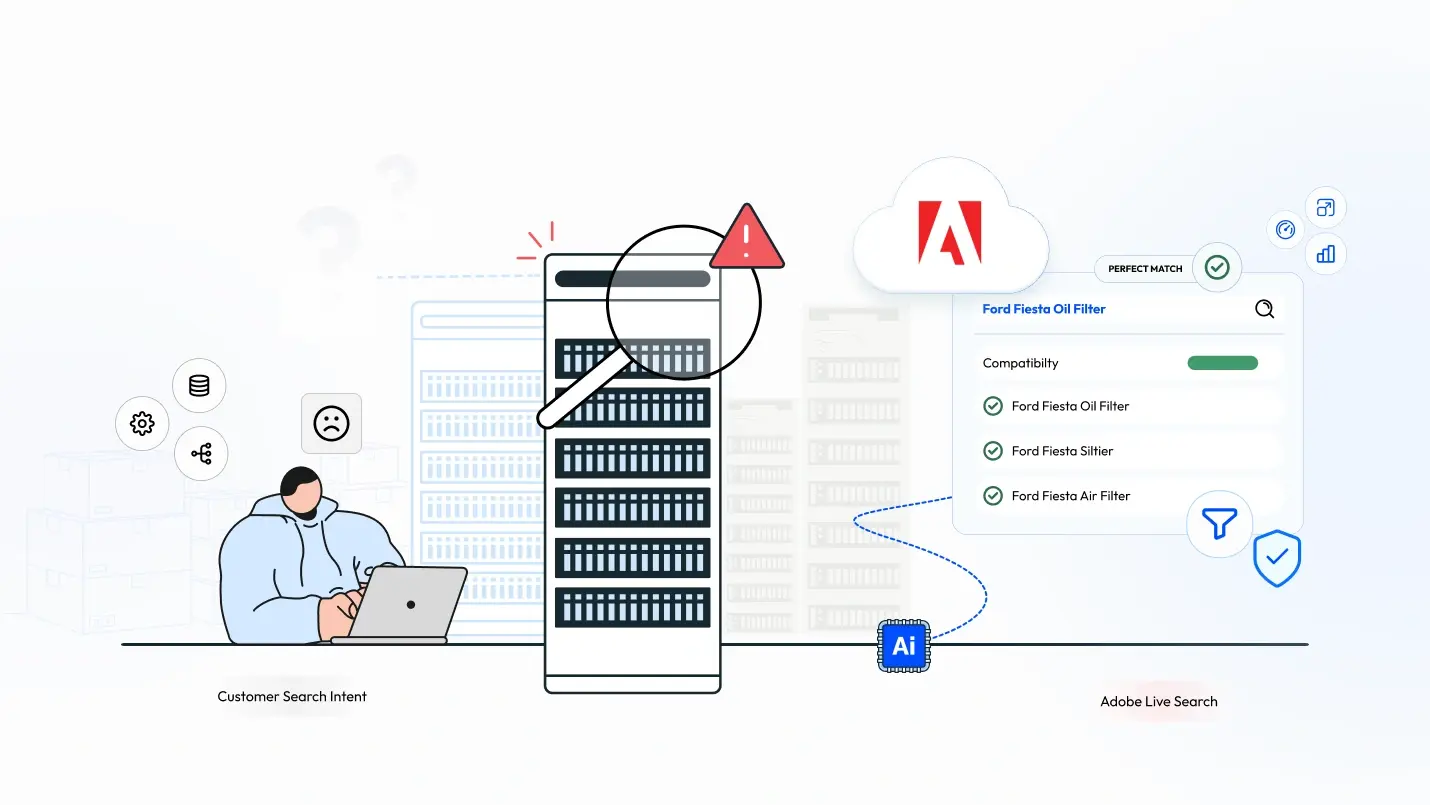
In a headless Adobe Commerce implementation handling 300K+ SKUs and around 4.5k of daily orders, we observed that high-intent customer searches often returned irrelevant or zero results. Elasticsearch struggled with partial SKU searches, compatibility queries such as “Ford Fiesta oil filter,” and fuzzy terms like “break pads.”
After implementing Adobe Live Search, introducing compatibility attributes, and applying controlled merchandising rules, search engagement improved significantly. Search result page views increased from 613,719 to 858,033 (~40%), while the search session key event rate improved from 1.47% to 1.68% (~14% relative improvement).
How We Discovered the Search Problem
The issue first surfaced when the client reported that customers searching for specific automotive parts were unable to find relevant products. Queries such as “Ford Fiesta oil filter” or partial SKUs frequently returned either generic results or no results at all.
To investigate further, we analyzed search behavior on the /catalogsearch/result page using Google Analytics and the Live Search dashboard. The data revealed a clear pattern: customers were searching with strong purchase intent, but the search engine often failed to interpret those queries correctly.
This investigation led us to identify three recurring search failure patterns that were affecting product discovery.
Why Did Adobe Commerce Search Fail Even When Products Existed in the Catalog?
In large ecommerce catalogs, engineers often assume that if a product exists in the catalog, search will surface it. However, our production data showed multiple cases where customers clearly knew what they wanted but still could not find the product.
When we analyzed search logs and user queries from the /catalogsearch/result page, three recurring failure patterns emerged. These patterns explained why customers with clear purchase intent were still unable to discover the correct products.
Why Did Partial SKU Searches Return Zero Results?
Customers often search using a partial SKU, not the complete identifier.
Example:
452XYZ
But the catalog stored the product as:
MFG-452XYZ
Because the default Elasticsearch configuration relies heavily on exact or prefix matching, the system failed to return results.
This meant that even though the product existed in the catalog, the search engine could not resolve the match.
In ecommerce terms, this is a direct revenue leakage scenario, because customers searching by SKU usually have strong purchase intent.
Why Did Compatibility Searches Like “Ford Fiesta Oil Filter” Fail?
Automotive ecommerce introduces another challenge: vehicle compatibility search.
Customers frequently searched using queries such as:
ford fiesta oil filter
However, the search engine interpreted these as independent tokens rather than a compatibility request.
Even though compatibility data existed in the catalog, it was stored in structured attributes that were not optimized for search relevance.
As a result, search returned generic oil filters instead of products compatible with Ford Fiesta models.
Why Do Fuzzy Search Terms Like “Break Pads” Often Return No Results?
Another common issue in ecommerce search is imperfect user input.
Customers rarely type exact product names.
Typical examples include:
- brakepad
- break pads
- breakpad
Traditional search configurations struggle to resolve these variations, which frequently results in zero-result pages despite clear user intent.
Why Didn’t Elasticsearch Alone Solve These Search Problems?
Our first engineering attempt was to extend Elasticsearch using wildcard queries such as:
*452XYZ*
This approach solved the partial SKU matching problem but introduced serious performance concerns.
Wildcard queries significantly increase the cost of search execution because they require scanning a larger portion of the index.
For a catalog with hundreds of thousands of SKUs, this approach created unacceptable load on the search cluster.
Additionally, Elasticsearch lacked built-in search behavior analytics, which meant we had limited visibility into:
- most searched queries
- zero-result searches
- search-driven conversions
Without these insights, improving search relevance required continuous manual debugging and log analysis. After introducing Adobe Live Search, the Live Search Dashboard exposed key search metrics such as top queries, zero-result searches, and product engagement. This visibility allowed the team to identify search gaps quickly and apply targeted fixes using merchandising rules, attribute tuning, and pinned results.
The Live Search dashboard provides a consolidated view of search activity, including high-traffic queries, zero-result searches, and product engagement metrics, allowing teams to continuously refine search relevance based on real customer behavior.

How Did Adobe Live Search Solve Partial and Fuzzy Search Problems?
Adobe Live Search introduced flexible matching logic designed specifically for ecommerce search patterns.
Instead of relying on strict exact matches, it supports:
- fuzzy matching
- flexible token matching
- improved SKU discovery
This allowed queries such as:
452XYZ
to correctly resolve to products such as:
MFG-452XYZ
without requiring expensive wildcard queries.
As a result, many previously failed searches began returning relevant results.
How Did We Make Compatibility Searches Work?
To support vehicle-based search queries, we introduced compatibility attributes into the search layer.
Vehicle compatibility information (make, model, variant) was stored as product attributes and exposed to Live Search.
Because compatibility data rarely changes, these attributes were cached to reduce database overhead.
With this setup, queries such as:ford fiesta oil filter began returning vehicle-compatible products rather than generic product matches.
Why Do Relevant Products Sometimes Appear Too Low in Search Results?
Once search started returning broader results, another issue appeared.
Some queries produced relevant products, but top-selling SKUs were buried lower in the results list.
Example query:
Engine oil
The results were technically correct, but our most saleable products appeared too far down, reducing the probability of user clicks.
Live Search allows merchants to influence ranking through:
- pinned products
- boosted results
- rule-based ranking
However, configuring rules across hundreds of categories was not practical.
Instead, we adopted a hybrid strategy:
- use default Live Search ranking globally
- apply pinned results only for critical categories
This allowed scalable ranking optimization.

What Changed After Live Search Went Live?
Adobe Live Search was deployed on December 17, 2025.
After enabling Adobe Live Search, we started analyzing query behavior using the Live Search performance dashboard. During the observation window, the system recorded 531,327 unique searches with a click-through rate of 75.56% and a zero-result rate of 1.99%.
To evaluate its impact, we compared search performance before and after the deployment.
Search Page Traffic
Before Live Search
(Oct 25 – Dec 16, 2025)
613,719 page views
After Live Search
(Dec 17, 2025 – Feb 10, 2026)
858,033 page views
Increase:
+244,314 page views (~40%)
This indicates significantly higher engagement with search results.
Search Session Key Event Rate
Before Live Search
1.47%
After Live Search
1.68%
Relative improvement:
~14%
This suggests improved alignment between search intent and product discovery.
How Does Search Work in Our Headless Adobe Commerce Architecture?
The platform runs on a headless architecture, where a React frontend communicates with Adobe Commerce through GraphQL APIs.

Live Search Flow Explanation
1. Request Initiation
- A GraphQL query is sent to fetch search results.
- The request is processed by CustomLiveSearchResolverV2, which directs it to the LiveSearchProcessor.
2. Cache Check for Live Search
- The LiveSearchProcessor first checks if the search results are available in the cache.
- If cache hit → Cached results are returned immediately. .
- If cache miss → A request is sent to the Live Search API, and the response is stored in the cache for future use.
3. Database Integration for Additional Data
- Once the initial search results are fetched, additional data is retrieved from the database.
- The system integrates category data, brand tier data, breadcrumbs, and special coupon prices.
4. Category Data Processing
- The system checks if category data is available in cache.
- If cache hit → Cached category data is used.
- If cache miss → Category data is fetched from the database and then merged into the final response.
5. Brand Tier Data Processing
- Similar to categories, brand tier data is checked in the cache.
- If cache hit → Cached data is used.
- If cache miss → Data is fetched and merged.
6. Product Breadcrumbs Processing
- The system checks if product breadcrumbs are available in the cache.
- If cache hit → Cached breadcrumbs are used.
- If cache miss → Breadcrumb data is fetched and merged into the response.
7. Final Data Integration
- All retrieved and merged data (categories, brands, breadcrumbs, special prices) is consolidated for the final response.
8. Response Resolution
- The final ProductSearchResponse is prepared.
- It includes search term resolution and regular field resolution.
9. Search Term and Field Resolution
Search terms are mapped using the SearchTermTypeResolver and enriched with:
- Product Data
- Brand Info
- Special Prices
- Breadcrumbs
Regular fields include:
- Categories
- Page Info
- Facets
- Related Terms
10. Final Response Sent to Client
The complete search results, now optimized and enriched, are returned to the frontend
Reusable Engineering Takeaways
- Review search reports monthly: Proactively flag high-impression keywords with zero results or low CTR to prevent revenue leakage.
- Optimize attribute indexing: Ensure product attributes are clean and relevant so that boosting and pinning rules can function effectively.
- Avoid synchronous external calls: Ensure all supplemental data (brands, coupons) are fetched in a way that doesn’t block the primary search result delivery.
Foundational References:
Technical FAQs
Adobe Live Search can be more effective than standard Elasticsearch for large Adobe Commerce catalogs because it provides built-in features designed for ecommerce search, such as fuzzy matching, search analytics, and merchandising controls like product boosting and pinning. While Elasticsearch requires significant tuning and infrastructure management, Live Search helps teams optimize search relevance and product discovery faster, especially for catalogs with hundreds of thousands of SKUs.
If your catalog is small and your engineering team prefers full control over search infrastructure, Elasticsearch tuning may be sufficient.
If your catalog is large and you need faster relevance optimization, analytics, and merchandising control, Live Search significantly reduces operational complexity.
Search underperformance can usually be detected through three metrics:
- Zero-result rate – percentage of queries returning no products
- Search click-through rate (CTR) – how often users click products from search results
- Search-driven conversion rate – percentage of searches leading to purchases
High zero-result rates or low CTR often indicate that the search engine is not interpreting customer intent correctly.
Switching to Live Search becomes valuable when catalogs grow large or search queries become complex. Scenarios include:
- catalogs with hundreds of thousands of SKUs
- compatibility-based queries (for example automotive parts)
- frequent partial SKU searches
- need for search analytics and merchandising control
Live Search provides built-in analytics, flexible query matching, and ranking controls such as boosting and pinned results, which reduce manual search tuning.
Search engines rank products primarily based on textual relevance, which may not align with business priorities. For example, products with keyword-heavy descriptions may rank above high-performing SKUs. Tools like Live Search allow businesses to adjust rankings through boosting rules, pinned products, and behavioral signals such as top-selling items, ensuring that the most relevant and commercially important products appear first.
Search analytics reveal how customers actually look for products. Dashboards that track top search terms, zero-result queries, and product clicks help engineering and merchandising teams identify gaps between customer vocabulary and catalog structure. This data enables continuous improvements such as synonym creation, attribute optimization, and search rule adjustments.
Yes. Search users typically show the highest purchase intent because they already know what they want. If search fails to return relevant results quickly, customers often abandon the session. Improving search accuracy and ranking can significantly increase product discovery, click-through rates, and overall conversion.